

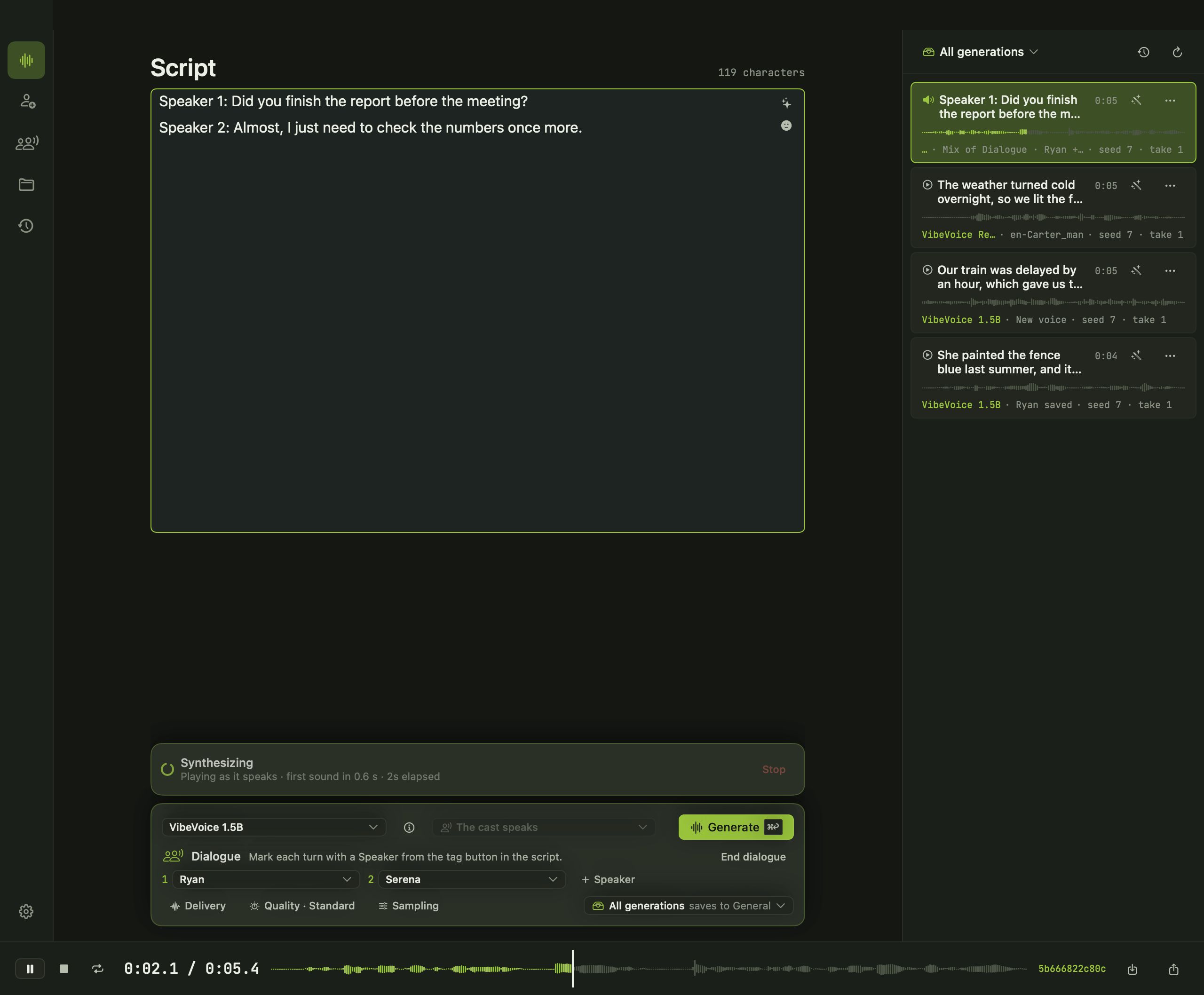
A good conversation needs more than one voice. Avocado lets you write the dialogue and cast it.
Write the turns
Start each line with its speaker. The tag button inserts the speaker labels the chosen model expects, so you don’t need to remember them.
Cast the voices
Press Dialogue under the script and choose a voice for each speaker from your Voice Library. Add or remove speakers as the scene needs.
Which models do dialogue
- VibeVoice 1.5B from Microsoft: long conversations with up to four speakers, in English and Chinese.
- Dia from Nari Labs: two speakers, with nonverbal sounds like laughs, sighs and coughs.
- Sesame CSM: conversational speech where each turn hears the ones before it, with up to four cast voices.
- Fish Audio S2 Pro: up to four cloned voices, one per speaker.
Then make it better
Every conversation is a take you can replay, regenerate, tag and file in a project. Export it as WAV, AIFF or M4A when it’s ready.